Step-01
Registration
Create your seller account on AgriBid by providing your details, farm information, and contact details. Once registered, submit your application for approval. Our admin team will review and approve your account so you can start listing.
Step-02
Select Platform
Access the Seller Hub dashboard after approval. From there, you can manage your animals, create auction or direct sale listings, upload images, and track all your active and past listings in one place.
Step-03
Listing the Item
Create a new listing by selecting your animal, adding high-quality photos, setting a starting price and bid increment (for auctions) or a fixed sale price (for direct sales). Provide a detailed description including breed, age, weight, and health records to attract buyers.
Step-04
Managing the Auction
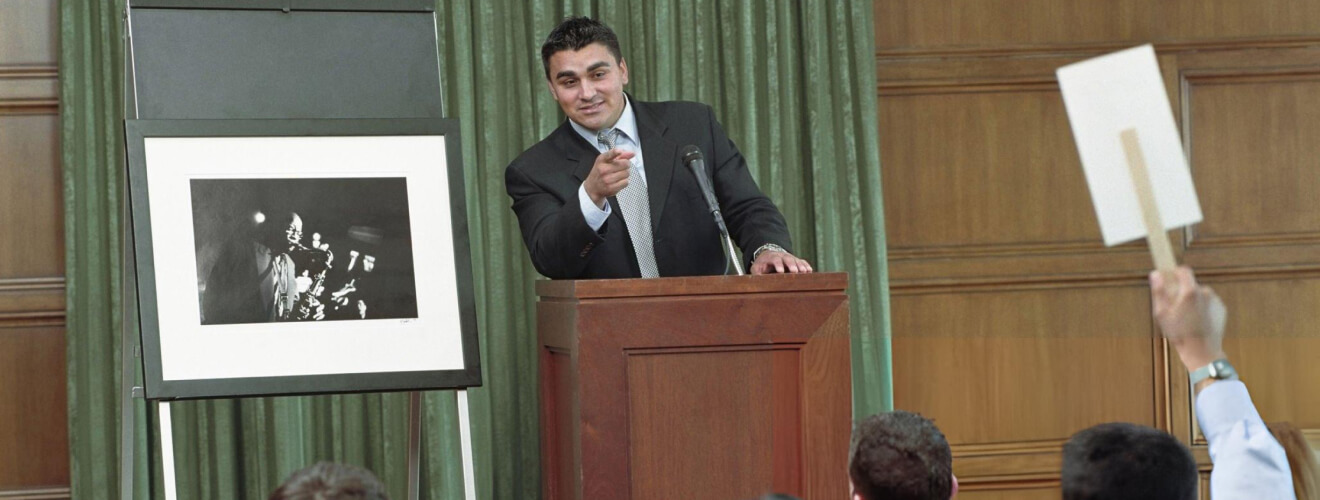
Once your listing is live, monitor incoming bids in real-time from your Seller Hub. You can view bid history, track the number of views your listing receives, and communicate with potential buyers. Set your auction duration and let the competitive bidding drive the best price.
Step-05
Closing the Auction
When your auction ends, the highest bidder wins and the listing is marked as "Sold". You will receive the winning bid amount and buyer's details. If your auction ends with no bids, it is automatically converted into a "Buy Now" direct sale listing at the reserve price (or starting price if no reserve was set), keeping your animal visible to buyers. Coordinate payment and delivery arrangements directly with the buyer.